
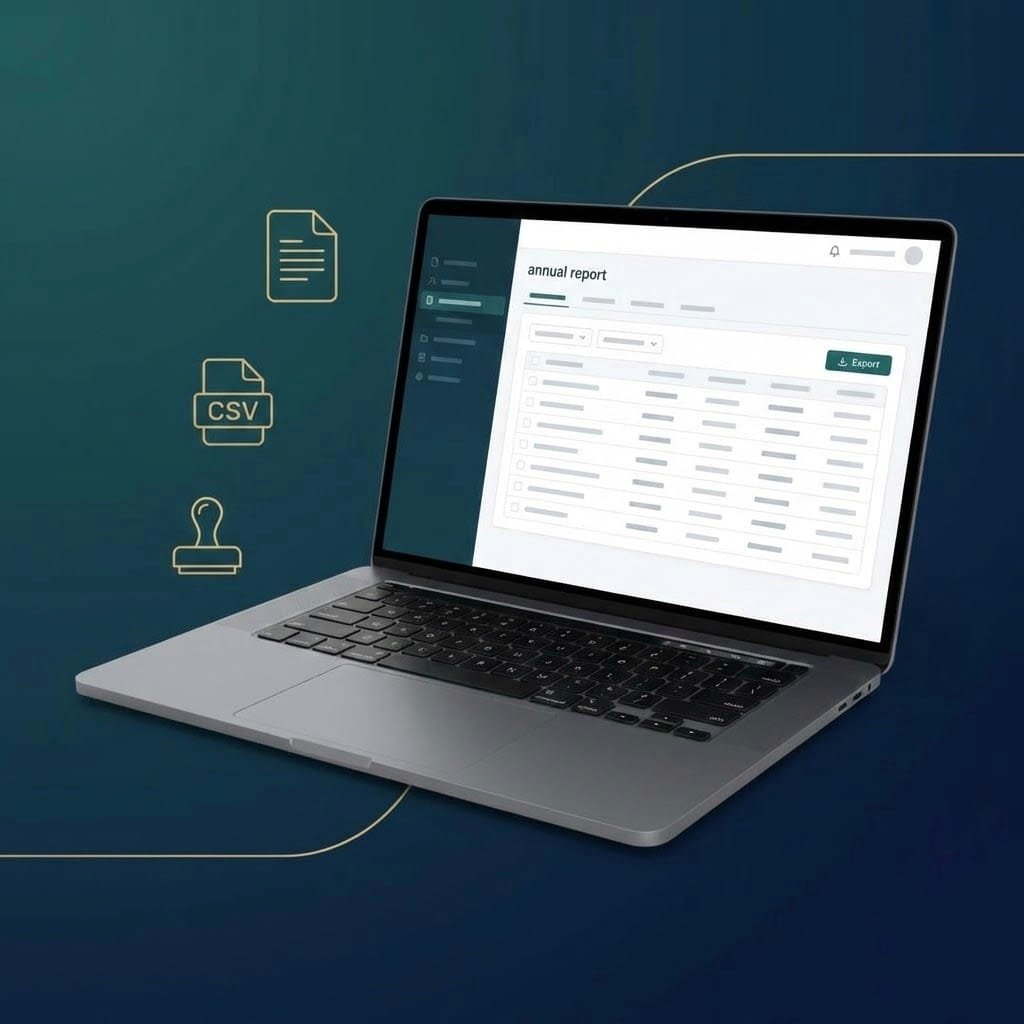
What is the N2 app and why now everyone talks about it?
If you manage short-term rentals, there is a point on the calendar that can no longer be ignored: the annual reporting template. To make the presentation in the system of registrars, one of the usual ways is to use the Official application N2, which allows Create and submit deposits from the exercise data.
The practical key: N2 can work with CSV files (in addition to manual loading), as long as they respect The expected column structure. And that is where time is wasted: the problem is not usually “make the report”, but do it in the exact format that the official tool supports.
N2 + CSV: format matters (very)
N2 is quite literal: if the CSV does not comply with structure, order or values, the import becomes a festival of errors.
In practice, a compatible CSV usually includes (depending on the official model) fields type:
-
Registration ID (NRUA/Reference)
-
Purpose (Official Codes: 1 vacation/tourist, 2 work, 3 studies, 4 medical causes, 5 others)
-
Number of guests
-
entry date
-
departure date
-
“No activity” indicator where applicable
If your actual operation does not save “purpose” to origin, you have two options:
-
Implement it as data (the ideal).
-
Apply a consistent default purpose when missing (for example 1: Vacation/Tourist), to avoid generation/import locks.
At SES.Hospedajes we solve it practically: the report comes out consistent and the CSV is generated with the logic needed to keep the process running smoothly.
Submit the deposit to registrars using the official N2 app
The typical flow to present the annual model with N2 is this:
-
Prepare the data for the year
Check that your exercise stays are correct (dates, number of guests, etc.). -
Generate the annual report from SES.Hospedajes
On your panel, go to VUDO Reports / Annual Information Model and generates the report by establishment and year. -
Download the official format (CSV N2)
Within the report, you will have the button available “Official Format (CSV N2)” To get the file ready to import. -
Open N2 and create the repository
In the N2 app, create a new deposit for the year and select the option to Import/Load through file. -
Import the CSV and validate
Import the file, check warnings/validations and correct if N2 marks any inconsistency (normally dates or empty fields). -
Submit to registrars
Finish the process from N2 based on the presentation flow you use (with your settings, certificates, or shipping method).
Typical errors when importing into N2 (and how to avoid them)
-
out of order columns with different names → The CSV must come out “New”.
-
Unexpected format dates → Best ISO (YYYY-MM-DD) and total consistency.
-
empty purpose → N2 gets exquisite. If not available, use a default.
-
Zeros or voids in number of guests → Review how it is calculated by stay/registration.
-
Mix establishments → The report must be issued by establishment to avoid inconsistencies.
seshospedajes.es generates the compatible CSV and avoid fighting with the format
At SES.Hospedajes we focus on what saves you hours:
-
Generation of the annual report by establishment and year
-
CSV compatible with N2 Ready to import
-
PDF receipt for verification and internal file
-
Data consistency review (and notices when missing information)
IMPORTANT: users with Lite subscription They do not have this functionality included, but they can Hire report generation independently.
✅ Do you want to generate it in 2 minutes and present it in N2 without messes?
Enter your panel of seshospedajes.es → VUD Reports → Generate your annual report and download the Official format (CSV N2).
If you are in LITE, hire the Punctual reporting of the report And we leave it ready to present.