MRZ Scanner in SES Guests: Register travelers in seconds, without typing data
We premiere the MRZ Scanner (Machine Readable Zone) for Automatically extract from passports and identity documents the data of the guest (Name, surnames, document number, date of birth, nationality, expiration and sex). se Errors by click and the queues in reception are over.
What is the MRZ and why does it matter?
The MRZ It is the “machine-readable zone” of many travel documents, made up of 2 or 3 lines with characters and the symbol <. Our reader detects that area with the device's camera, applies OCR and Fill out the form Registration instantly.
Key benefits
-
Saving time: registration in seconds.
-
fewer errors: Avoid manual click and letter/number confusion.
-
Top user experience: Check-in more fluid, less friction.
-
COMPLIANCE: The captured data maintains the format necessary for sending to MIR – SES lodgings.
-
Full Compatibility: It works in desktop and mobile; On mobiles use the rear camera by default.
How it works (step by step)
-
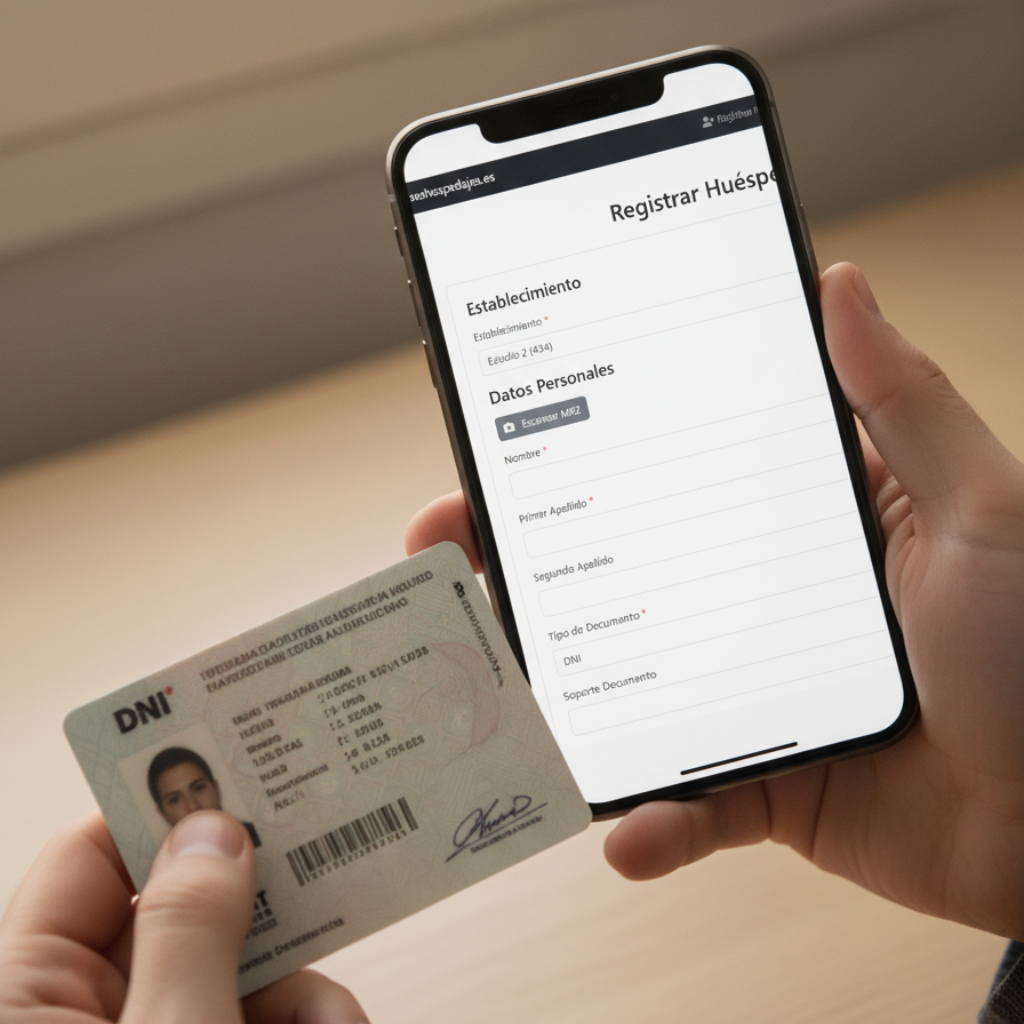
At Register guest, press “Scan MRZ”.
-
Point the camera to the MRZ zone of the document (bottom of the passport or back of some IDs).
-
you will see a Focus/Stability Indicator and a guide box.
-
When the MRZ is detected, the system Read and validate The data (includes integrity checks).
-
Click “Use data in the form” And that's it: Fields instantly filled in.
What data is captured?
-
name(s) y surnames
-
document number y type (P = Passport / ID = Identity Document)
-
Date of birth y sex
-
Nationality (ISO-3 code)
-
expiration date of the document
You can review and edit each data before saving, as always.
Privacy and security
-
recognition is done locally in the browser of the user; We do not send images of documents to third parties for the OCR.
-
only save the Fields that needs your registration and communication to the MIR, in accordance with current regulations.
-
We do not save any image or file with the image of the document. Maximum security for all.
Availability per plan
-
Included from BASIC PLAN and higher.
Do you want to activate the MRZ scanner? If you have the Lite plan, migrate to Basic and you can start using this functionality.
Tips for a perfect catch
-
good light, avoiding reflections on the plastic of the document.
-
Keep the MRZ inside the box; The system tells you the focus.
-
If the reading fails, upload a sharp photo of the MRZ (Option “Upload Image”).
Frequently Asked Questions (FAQ)
Does the MRZ serve for DNI/NIE?
It depends on the document. Many modern DNI/IDs include MRZ. The passport always has.
Can I correct manually?
Yes. The MRZ Fill the fields, but you can change them before saving.
Does it work on all browsers?
We recommend Chrome/Edge/Brave and modern mobile browsers with camera permissions.
Do I need special hardware?
No. The camera of your laptop, tablet or mobile is enough.
Ready to speed up your reception?
→ Start using this new functionality when registering a guest.