Automatic welcome email: WiFi, access code and tourist fee, without you lifting a finger
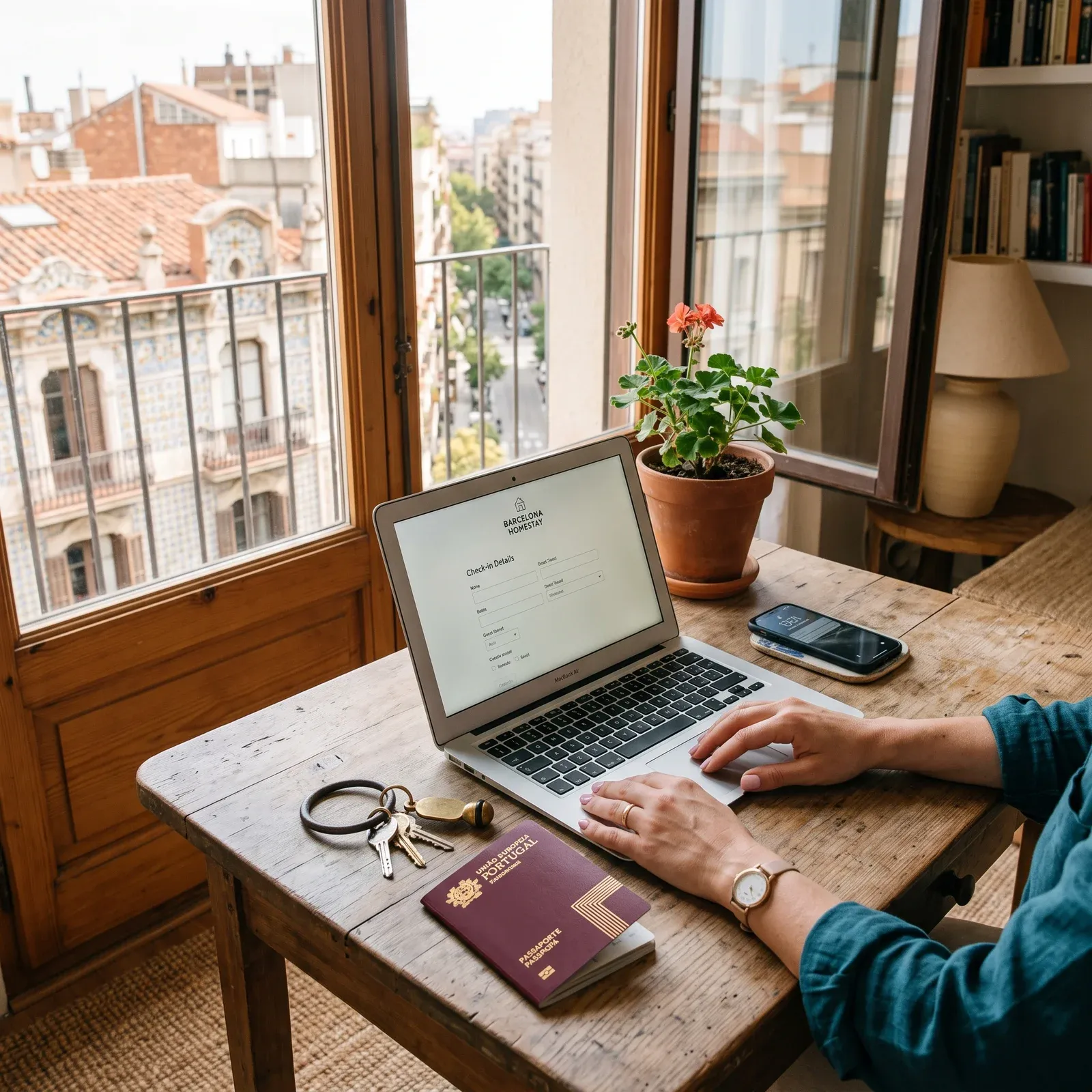
If you are a host, you know what we are talking about: the guest fills the pre-check-in, and then he writes to you. “¿Cuál es el WiFi?”. “¿Cómo entro?”. “¿Hay que pagar tasa?”. “¿Cómo llego desde la estación?”. Each reservation, the same four messages, over and over again.
Well that's over too. We just launched the Automatic guest welcome email, which is sent only as soon as it completes its pre-check-in. And we tell you because we believe that it will save you quite a few repeated conversations.
how it works, in a sentence
The guest finishes his pre-check-in → a welcome email with The practical information of your accommodation → You follow yours.
So simple. No night crons, no delays, without having to send anything by hand.
What does the email include?
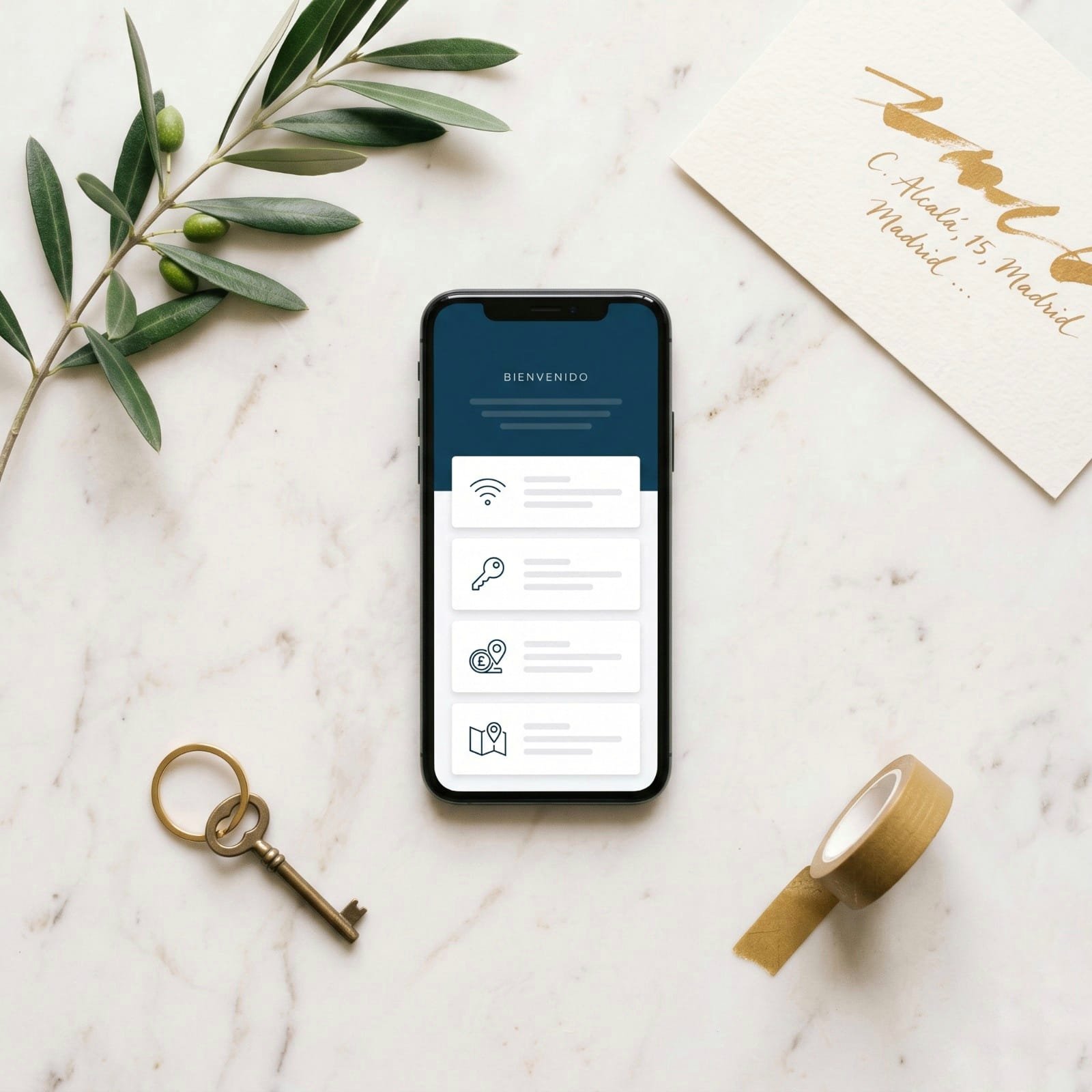
The mail fits what you fill. If you don't have one of the fields, that box doesn't show up. There are four optional blocks:
- Wifi: Network name and password, ready for the guest to connect upon arrival.
- Access code: The key box or door code, if you use remote opening.
- Tourist fee: A direct link to the payment of the fee (Stripe, Bizum, own link... the one you use).
- Arrival instructions: How to get there, where to park, the door of the portal, whatever you want to tell him.
If you only fill the wifi, only the wifi comes out. If you fill them all, all four come out. If you don't want to activate this right now, nothing happens: the email is not sent and the guest will continue to make their pre-check-in as usual.
The part that makes us special illusion: Configuration by reservation
Here comes the idea that we think makes a difference. You have set up your apartment with a general wifi, a key box code, and some default instructions. But a special reservation arrives: You change the key box for work, or you want to give a different code that day, or the link of the rate varies according to the stay.
From today you can Overwrite any of the four fields in each specific reservation, sin cambiar la configuración por defecto del alojamiento. Lo que pongas en la reserva “gana”. Lo que dejes en blanco, se hereda del establecimiento. Todo automático.
Real example: your apartment has the code 1234 by default. For this weekend's reservation, you write 9876 en el campo “Código de acceso” de esa reserva. El huésped de este fin de semana recibe 9876. The next guest, without touching anything, receives again 1234.
where it is configured
In two sites, each with its logic:
- At Configuration → Management of establishments There is a button “Email bienvenida” in each establishment. There you define the default values: General Wi-Fi, Default Code, Type Instructions. You do this once, and it is valid for all reservations.
- At Each pre-check-in reservation, if you want, you can customize the four fields just for that guest. If not, inherit the values from the establishment. No complications.
And you also have editable templates for the greeting and the signature of the email: initial greeting, closing phrase and signature. All in Spanish and English, because we automatically detect the language of the pre-check-in link used by the guest.
Is it pretty?
We have worked hard to do. Boxes with icons, legible typography, compatible with Gmail, Outlook and iPhone client. We have tested it with real guests and it is the first thing they notice: “qué email más cuidado recibí”. That is precisely the goal.
Is it always shipped?
Only if you activate it. Each establishment has a switch in the configuration modal: “Enviar email de bienvenida al huésped”. If it is OFF, nothing is sent. If it is on but there is no field filled, it is not sent either (we don't want to send empty emails).
And if the shipment fails for some rare reason (bad server, invalid email), Does not break the flow of the host. The pre check-in is kept the same, the warning to the host reaches you the same, and we register it in the log to check it if necessary.
And to the host, what do you have to do?
Fill in your data once Configuration → Establishment Management → Email Welcome. activate the switch. Ready.
From there, each guest who completes the pre-check-in will automatically receive his welcome email with the info you posted. You save yourself the four repeated messages of always. The guest arrives at your door already knowing the WiFi, the code and the rate.
One last thing
This is part of an idea that moves us from the beginning: Compliance with regulations is not at odds with giving a careful experience. You can do everything at once. The guest can be registered at SES. Accommodations y recibirle como se merece. Y creemos que ahí está la diferencia entre una herramienta que “cumple” y una herramienta de la que te enorgulleces.
As always: Tell us how it works for you, what you miss and what you would improve. Write us for support Or go through the WhatsApp channel. It is built among all.